Degoog Server settings
The instance-wide tab. Everything here affects every visitor, not just you.
Settings, Server is where you shape the instance itself: how fast people can query it, how it reaches the internet, what it does about bots, and what it remembers. Most of these have sensible defaults, but I encourage you all to test out and fine tune your instance to your liking. Degoog is HEAVILY customisable.
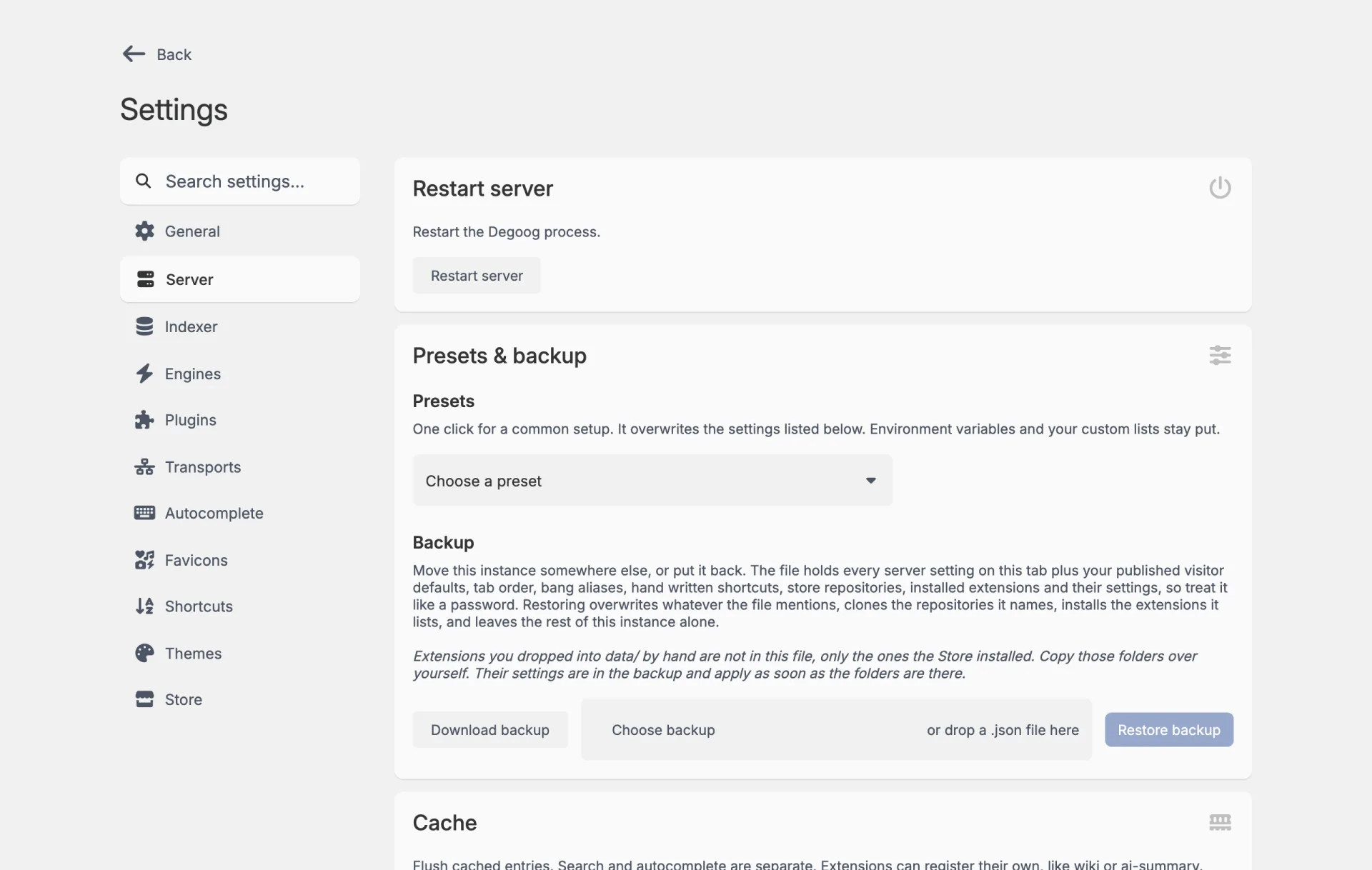
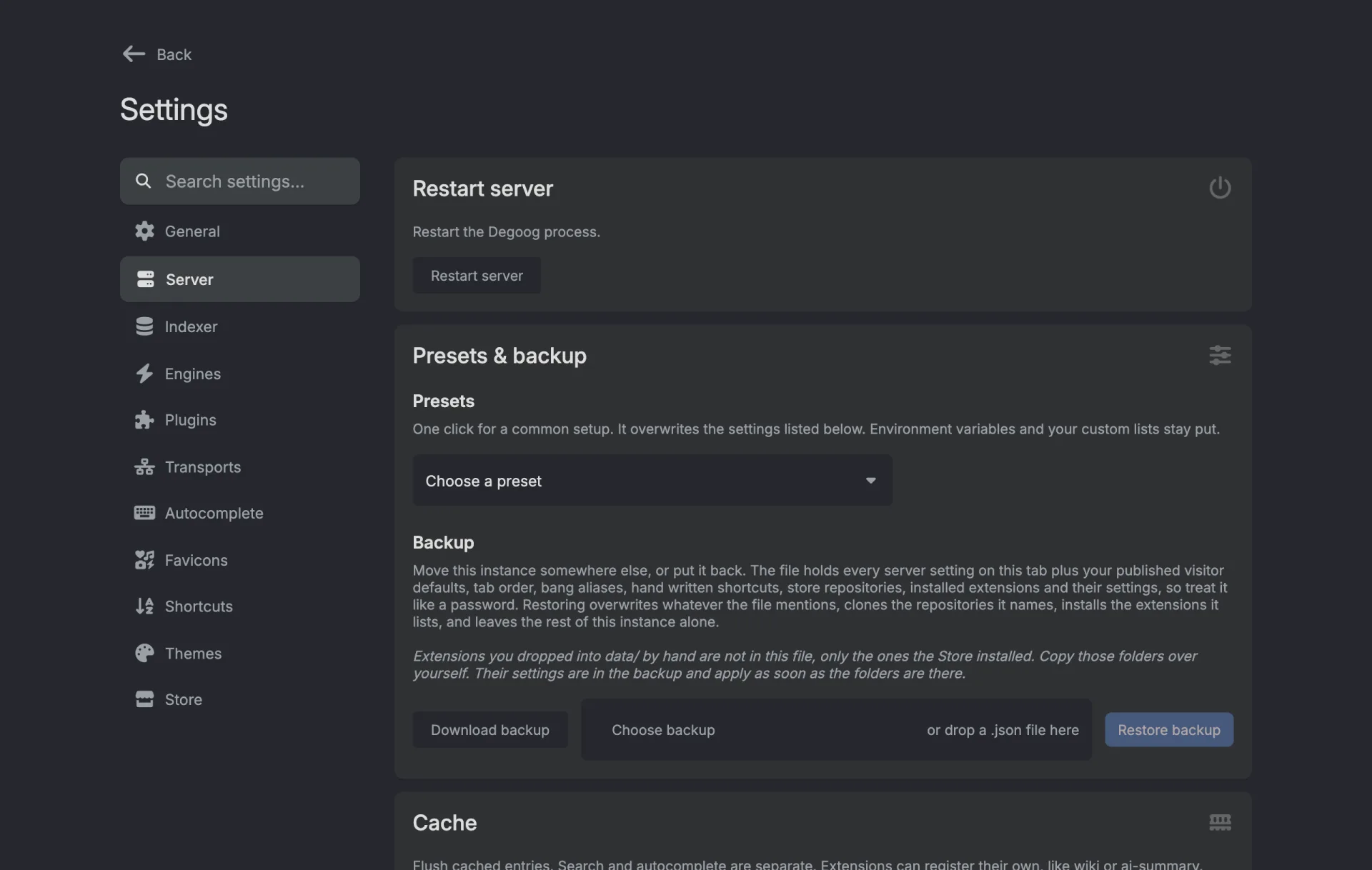
Text boxes need a Save. Switches and drop-downs save the moment you change them, with a little "Saved" note in the corner. Lists, text boxes and number boxes don't. Type in one and a Save button shows up under it, and nothing is saved until you press it.
Server presets
If you do not want to reason about every switch individually, start here. A preset applies a one-shot template of settings that suit a particular kind of deployment, shows you exactly which values it will change before you commit, and warns you about what it cannot do for you.
| Preset | For |
|---|---|
| Personal / Local Only | A single-user LAN or homelab box where convenience matters and the network is trusted. Do not expose this one to the web as-is. |
| Family / Semi-Lax | A small trusted group behind auth, a VPN, or a private reverse proxy. |
| Public Web Instance | A normal public-facing instance with streaming, honeypot checks, and sensible public rate limits. |
| Hardened Public Instance | An exposed instance that expects abuse. Stricter limits and API key enforcement turned on. |
| Indexer / Discovery Mode | Prioritises discovery features and local result recording while keeping basic public safeguards. |
| Compatibility / Low Resource Mode | Older browsers, buffering proxies, small VPSes. Streaming off, simpler request behaviour. |
A preset overrides the settings it lists and nothing else. It cannot set
environment variables, and it will not replace your custom lists. In
particular, no preset can set DEGOOG_SETTINGS_PASSWORDS for
you, and the public presets say so explicitly.
Streaming results
With streaming on, results appear as each engine responds instead of waiting for all of them to finish. It makes a multi-engine search feel dramatically faster, particularly when one engine is slow. That said the page does end up being slightly chaotic with results moving around as new one pop in. I personally live in chaos, so it's how I have my own instance configured.
- Auto-retry failed engines retries an engine that came back empty, up to Max retries per engine. I'd keep this low at around 2/3 times max so to not hammer engines that decide you are being rate limited. It'll just make the situation worse.
- Streaming is not compatible with the POST search method. If you turn on POST in your search options, streaming will stop applying to you.
Rate limiting
Limits requests per IP to protect both your instance and the upstream engines you are querying. There are two independent groups, each with a short burst window and a longer sustained window:
| Group | Defaults |
|---|---|
| Search | 15 requests per 20 seconds, 150 per 10 minutes, per IP. |
| Autocomplete | 60 requests per 20 seconds, 120 per minute, per IP. |
Autocomplete delay (ms) lives in the same section. It is how long Degoog waits after you stop typing before asking providers for suggestions. Raising it cuts requests noticeably.
Max request body (KB) caps how much a single public search,
autocomplete or panel request can send. Left empty, it uses
DEGOOG_BODY_SIZE,
which defaults to 3 MB.
Rate limiting is per client IP, so it only works if Degoog can see the real
one. Behind a poorly configured reverse proxy that means setting
DEGOOG_DISTRUST_PROXY=0, and only when you control that proxy
and it strips incoming X-Forwarded-For headers. Left at the
default, Degoog ignores those headers, which is the safe choice when it is
exposed directly.
Bot control
Two independent defences, both on by default:
-
Honeypot traps. Degoog serves bait paths that look like
carelessly exposed secrets: a
.envfile, a PHP admin panel, a WordPress login, an API endpoint, a JavaScript source file. No legitimate visitor ever requests them. Anything that does gets banned. - Browser verification (CSS HMAC). Injects a signed token into a stylesheet on every page. A real browser can't help but fetching that stylesheet, a scraper reading only the HTML does not. Requests that never fetch it accumulate strikes until they are banned.
Ban duration is in hours and defaults to 24. Set it to
0 for permanent bans (frankly that'd make you a piece of shit given IP rotate, but you do you).
Expired bans are cleaned up automatically on the next request.
Below that you'll find the live Blocked IPs list, showing when each was banned and when it expires. You can unban entries, or add an address manually with Ban IP. Banned visitors get a themed 403 page rather than a bare error.
No-JS page
Enables a second, script-free search page at /nojs. It is off by
default and the switch takes effect on the next request, no restart needed.
While it is off, /nojs answers 404 exactly like any path that
does not exist.
The nested Apply the CSS bot check to no-JS searches toggle is off by default for a good reason. Text-mode browsers such as lynx and w3m do not fetch stylesheets, so the check bans precisely the people the page was built for. Only turn it on if that page is being scraped.
Both switches, and the proxy setup, are covered in The no-JS page.
Proxy
Routes server-side search requests through proxies. One URL per line, requests rotate through the list. These can be overridden per-engine in the Engines tab.
Test proxy connection fetches your exit IP directly and through the proxy, then compares them, and tells you which of four things happened: the proxy is working and here are both IPs, the IPs match so the proxy may not be doing anything, the proxy could not be contacted at all, or the IP check service itself was unreachable. Much better than guessing.
Image proxy
Result thumbnails are fetched by your server and re-served, so clients never contacts the image host directly. By default the image proxy refuses private and local addresses, which is the correct default and stops it being used to probe your internal network.
If you run engines against your own services (a Jellyfin library, a Meilisearch index) you will need those thumbnails. Turn on Allow local network images and add regex patterns for the hosts you actually trust. Leaving the allow list empty permits every local address, which the UI describes as being at your own risk, and it means it.
Domain blocking, replacement and scoring
Three separate lists that reshape results after engines return them.
Blocking
One domain per line. Subdomains are included automatically. Wrap a line in slashes for a regular expression, which is matched against the hostname only, not the full URL, and takes no flags:
example.com
/(^|\.)instagram\.com$/
/^www\.instagram\.com$/
The first regex blocks instagram.com and every subdomain; the
second blocks only www.instagram.com.
-
Under Domain management, turn on Enable domain blocking and the list box shows up.
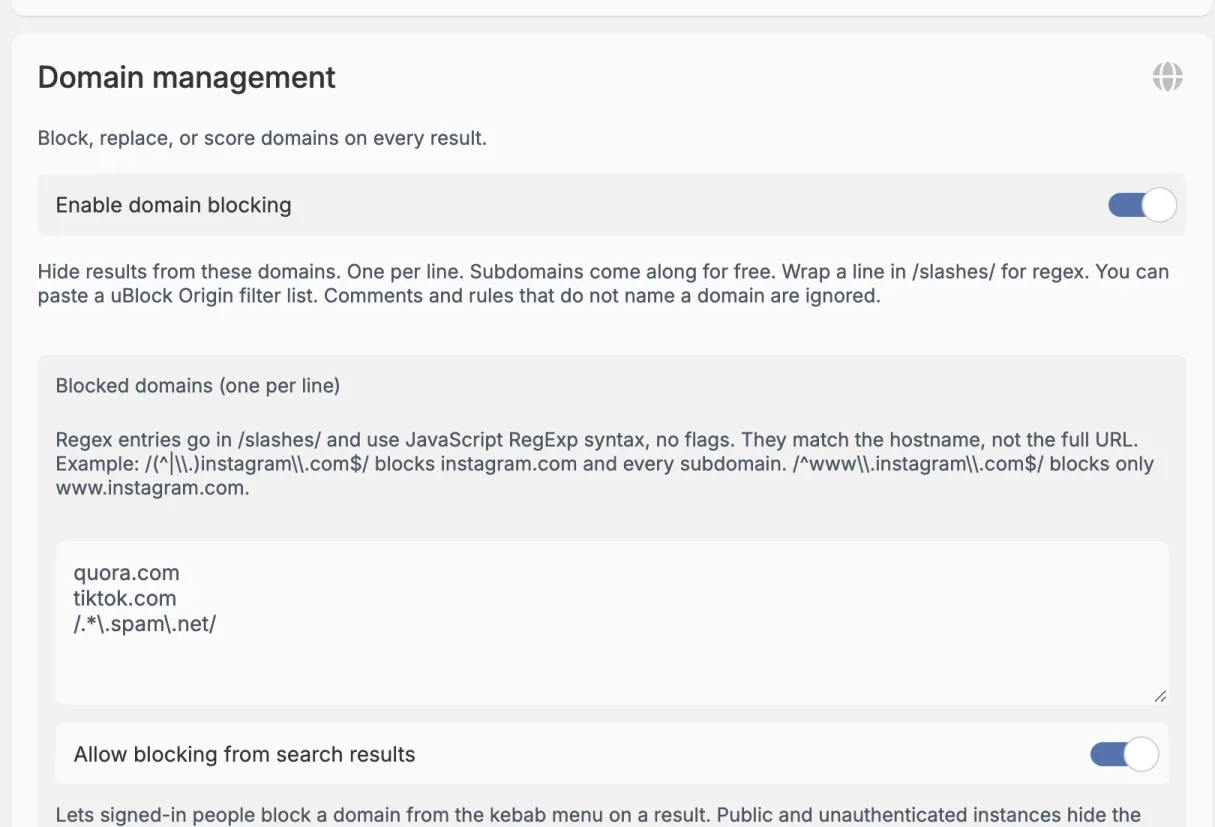
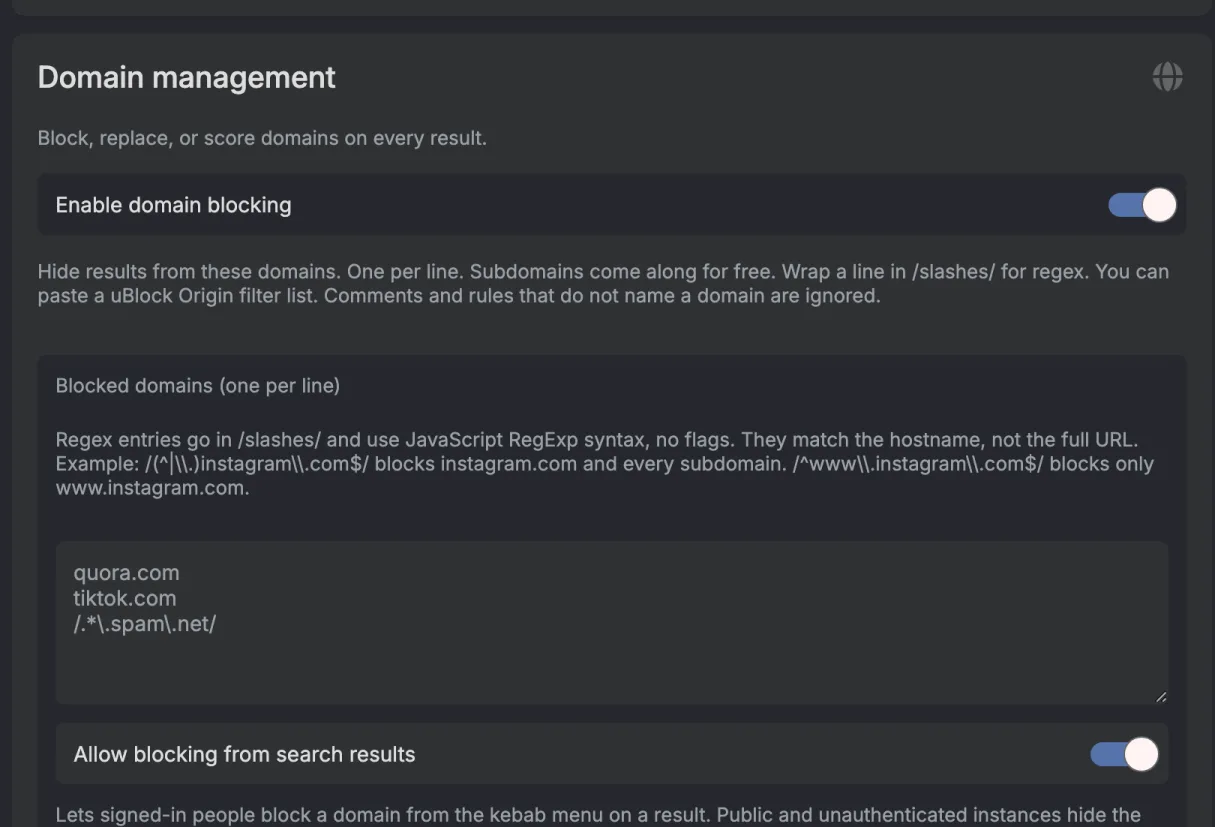
Domain blocking switched on. -
Type your domains, one per line. The grey text in an empty box is just an example, it doesn't block anything.
-
Press Save under the box.
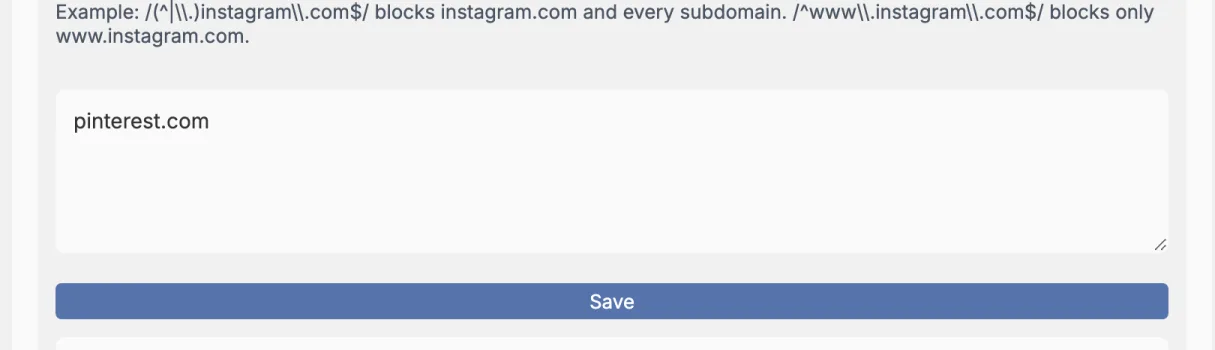
The Save button that shows up once you type.
Replacement
Rewrites domains in result URLs, one rule per line, preserving the path. Subdomains match automatically:
reddit.com -> old.reddit.com
twitter.com -> nitter.net
Type it as ->, the box may draw it as an arrow. Same as
blocking, you need Enable domain replacement on and the
Save button under the box when you're done.
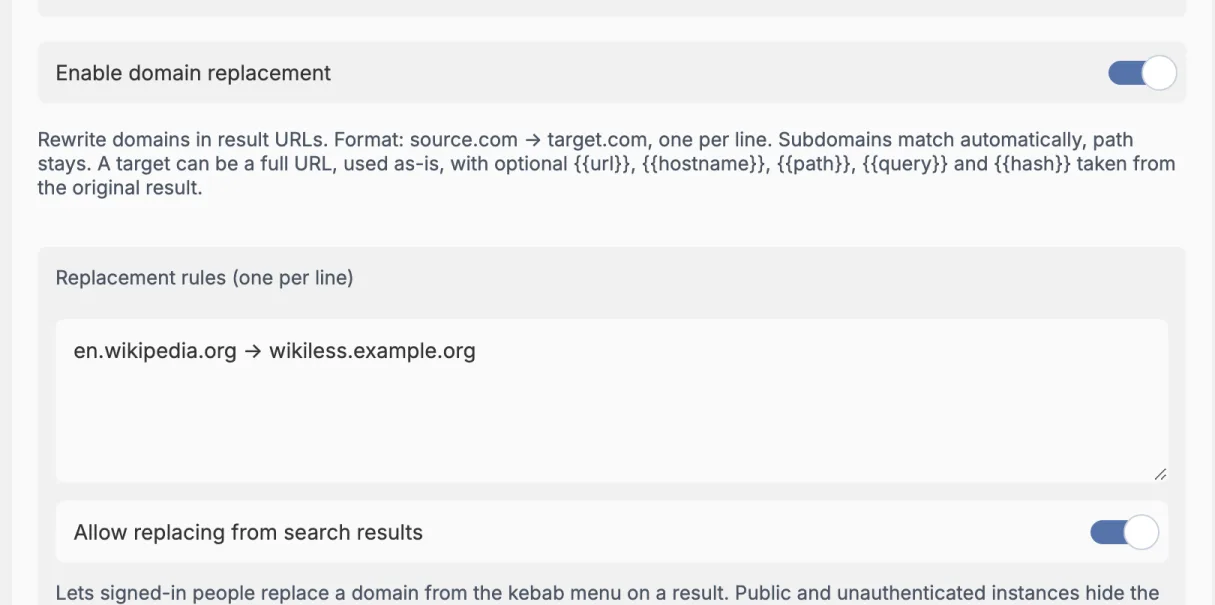
A target can also be a full URL, which is useful when the replacement lives behind a fixed path or hash on a self-hosted viewer. That URL is used exactly as written, so the original path is not appended:
wikipedia.org -> https://wiki.example.com/viewer#wikipedia_en_allTo carry parts of the original result across, use placeholders. They are replaced before the URL is parsed:
{{url}}- the full original result URL{{hostname}}- the original hostname{{path}}- the original path{{query}}- the original query string, including the leading?{{hash}}- the original hash, including the leading#
wikipedia.org -> https://wiki.example.com/viewer#wikipedia_en_all{{path}}
With that rule https://en.wikipedia.org/wiki/Test becomes
https://wiki.example.com/viewer#wikipedia_en_all/wiki/Test. Drop
the scheme and the original one is reused.
Scoring
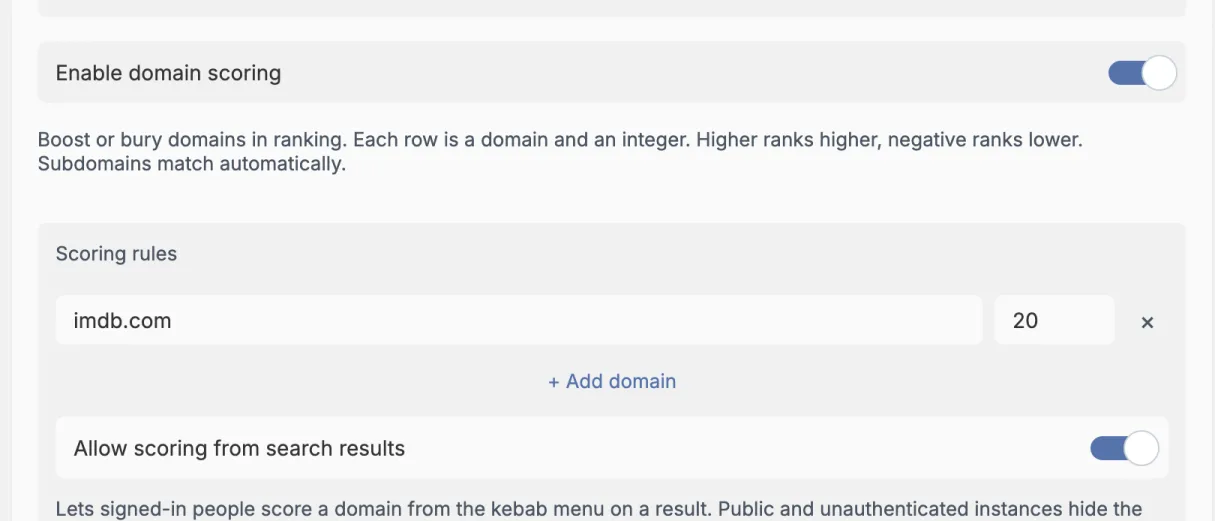
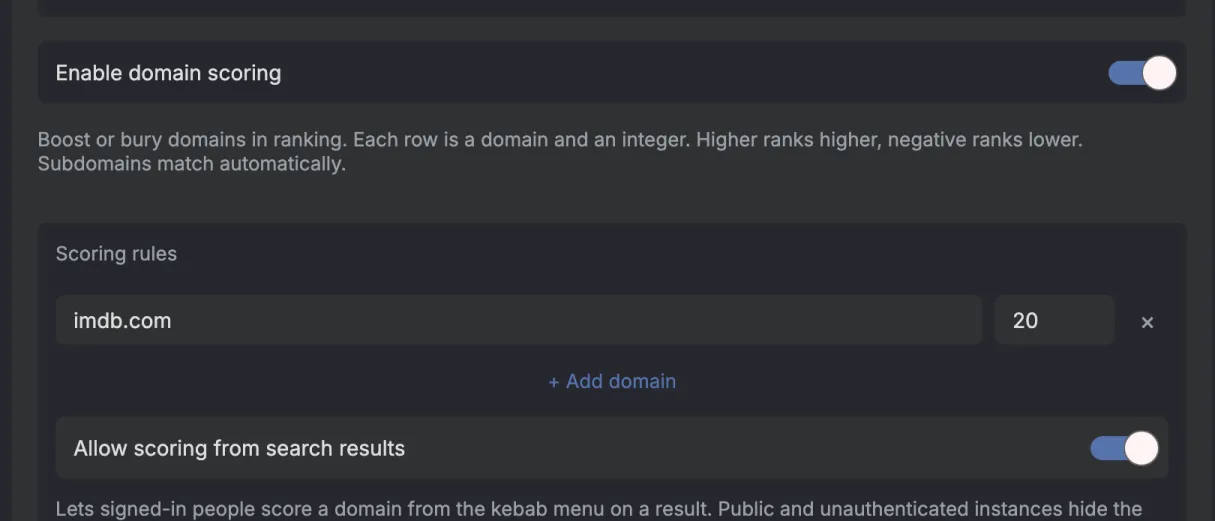
Add one domain and one number per row. Positive numbers move that domain up; negative numbers move it down. Subdomains match automatically.
example.com|20
spam.example|-15
In the settings page each rule is its own row with the domain and the number. + Add domain gives you a new row, the cross removes one, and like the other lists it needs the Save button under the rows.
Think of it as a final nudge after Degoog has already merged the search
engines. If a result has 29 points and you add
example.com|20, it becomes 49. If you add
spam.example|-15, it becomes 14.
It is not a percentage. It is just plus or minus points. Use small numbers like
5 or -5 for a gentle nudge, and bigger numbers when
you really trust or dislike a domain.
For context, a first-place result from a normal engine starts at
10 points. If two engines return the same URL, Degoog adds their
points together and gives it a small extra bonus. The full result math is in
How aggregation works.
Domain rules run in order: block first, replace second, score last.
Acting from the results page
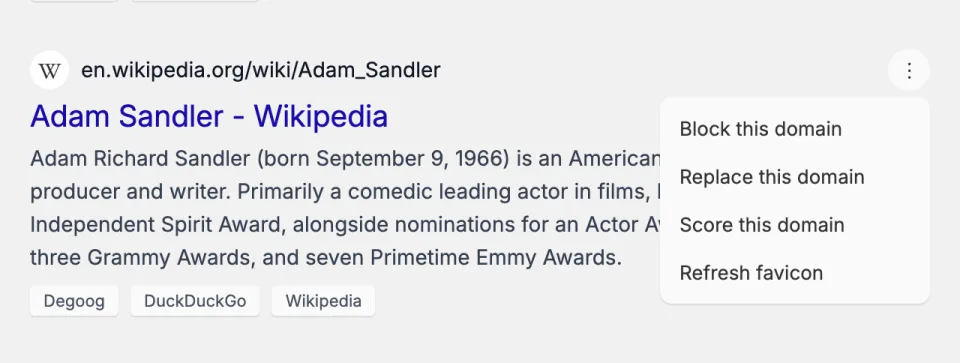
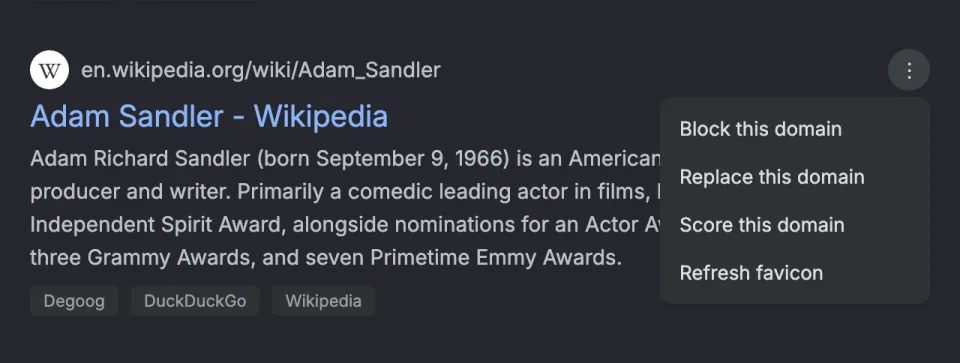
Each list has an Allow ... from search results toggle. Turn it on and signed-in users get a kebab menu on every result row to block, replace, or score that domain on the spot. These menus are hidden entirely on public or unauthenticated instances regardless of the setting.
The toggle sits under its list and only does anything while that list's own Enable switch is on too, so you need both. Signed-in users always get Refresh favicon in that menu either way.
If a list grows past what the UI can sensibly render, Degoog stops rendering
it and tells you to edit
data/search/search-lists.json directly. That is a deliberate
guard rail, not a bug.
Search language
By default the language dropdown on the results page offers roughly 90 built-in languages. Turn on Change search languages and provide your own list of codes, one per line, to trim it to the handful your users actually need.
The fallback language when nobody picks one comes from
DEGOOG_DEFAULT_SEARCH_LANGUAGE.
Custom CSS
Injects your own CSS into every page. It loads after theme and plugin styles,
so it overrides them by default; reach for !important only when
you are fighting a more specific selector.
API key
Degoog generates a server key you can use to protect the public API endpoints.
The key and its switches stay hidden until a password is configured via
DEGOOG_SETTINGS_PASSWORDS, since there would be nothing
protecting the key itself.
You can reveal, copy, and regenerate the key, and there are two independent switches:
-
Protect search routes covers
/api/search,/api/search/stream, and/api/search/retry. -
Protect suggestion routes covers
/api/suggestand/api/suggest/opensearch.
External callers send the key as a bearer token. The web UI does not use it; it gets a short-lived signed nonce with the page instead, so turning this on does not break your own browsing. Full details in the API reference.
Cache
Flushes stored cache entries. Search and autocomplete are kept separately, and extensions register their own caches (the wiki panel and AI summary plugin each have one), so you get four buttons: clear search, clear autocomplete, clear extensions, or clear all.
Without DEGOOG_VALKEY_URL, all caching is per-process and in
memory, and disappears on restart. With Valkey configured, the cache is shared
across replicas and settings changes propagate instantly.
The remaining switches
-
Degoog Indexer. Turns on local result recording and makes
the Indexer tab appear. See Indexer.
The indexer switch. - SearX compatibility layer. Adds the SearX section to the Engines tab. See SearX compatibility layer.
-
Serve the SearXNG API shape. Makes
/api/searchhonour theformat=jsonparameter that SearXNG clients such as Open WebUI already send, and answer them with a SearXNG-shaped response. Requests without that parameter are unaffected. - Keyboard shortcuts. There's no server switch for these anymore. The Shortcuts tab is always there.
- Restart server. Restarts the Degoog process. Searches in flight may be briefly interrupted.