Degoog The Indexer
Quietly remember the results you actually saw, and let them come back when they are useful.
What it is
The indexer records the results your searches return, stores them locally, and then makes them available as a search engine of their own called Degoog. Search for something similar later and pages you have already seen can resurface, even if the upstream engine that originally found them is slow, blocked, or gone.
It is not a crawler. It never goes off and fetches the web on its own. It only ever remembers what a real search already put in front of you, which means your index reflects your actual interests rather than someone else's idea of the web.
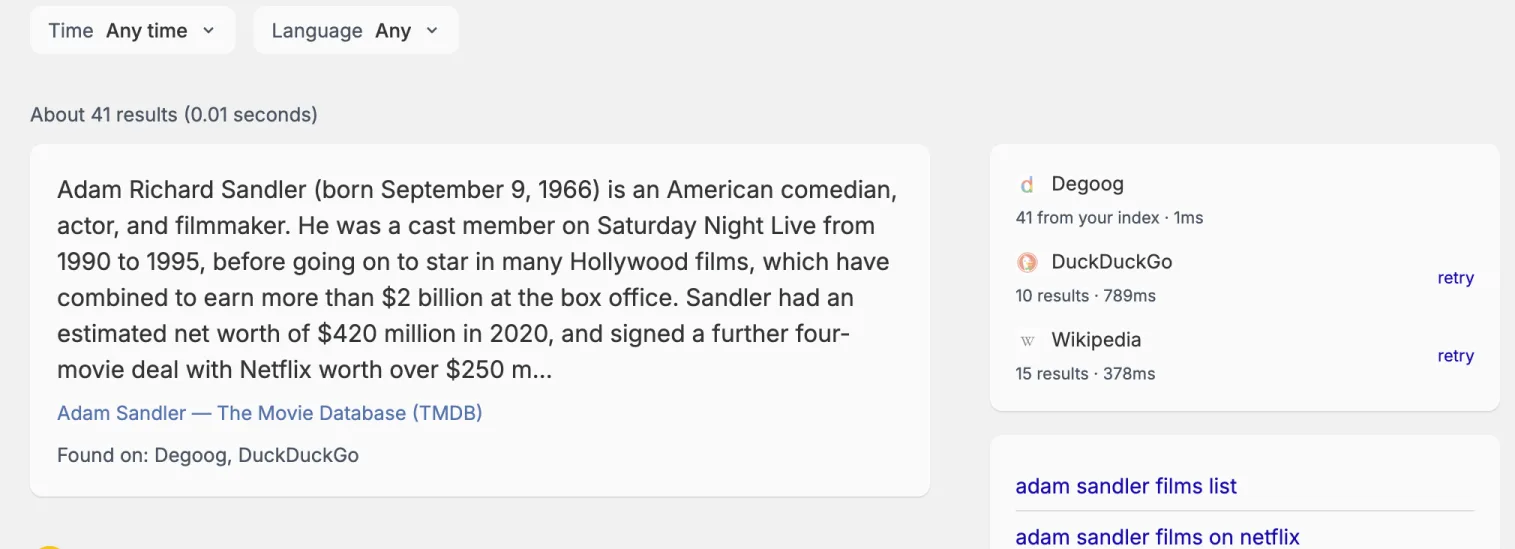
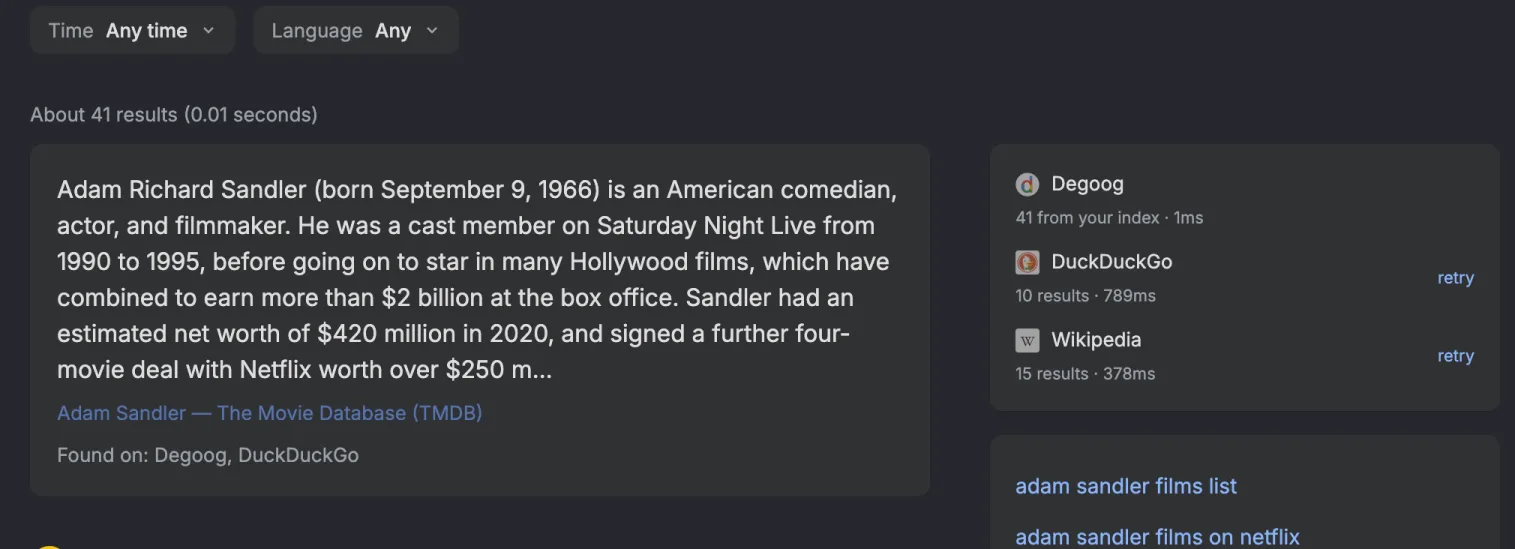
Results that came from your index carry a Degoog engine tag (hover it and it says "From your index") on the results page, and the sidebar tells you how many of the results came from there.
Turning it on
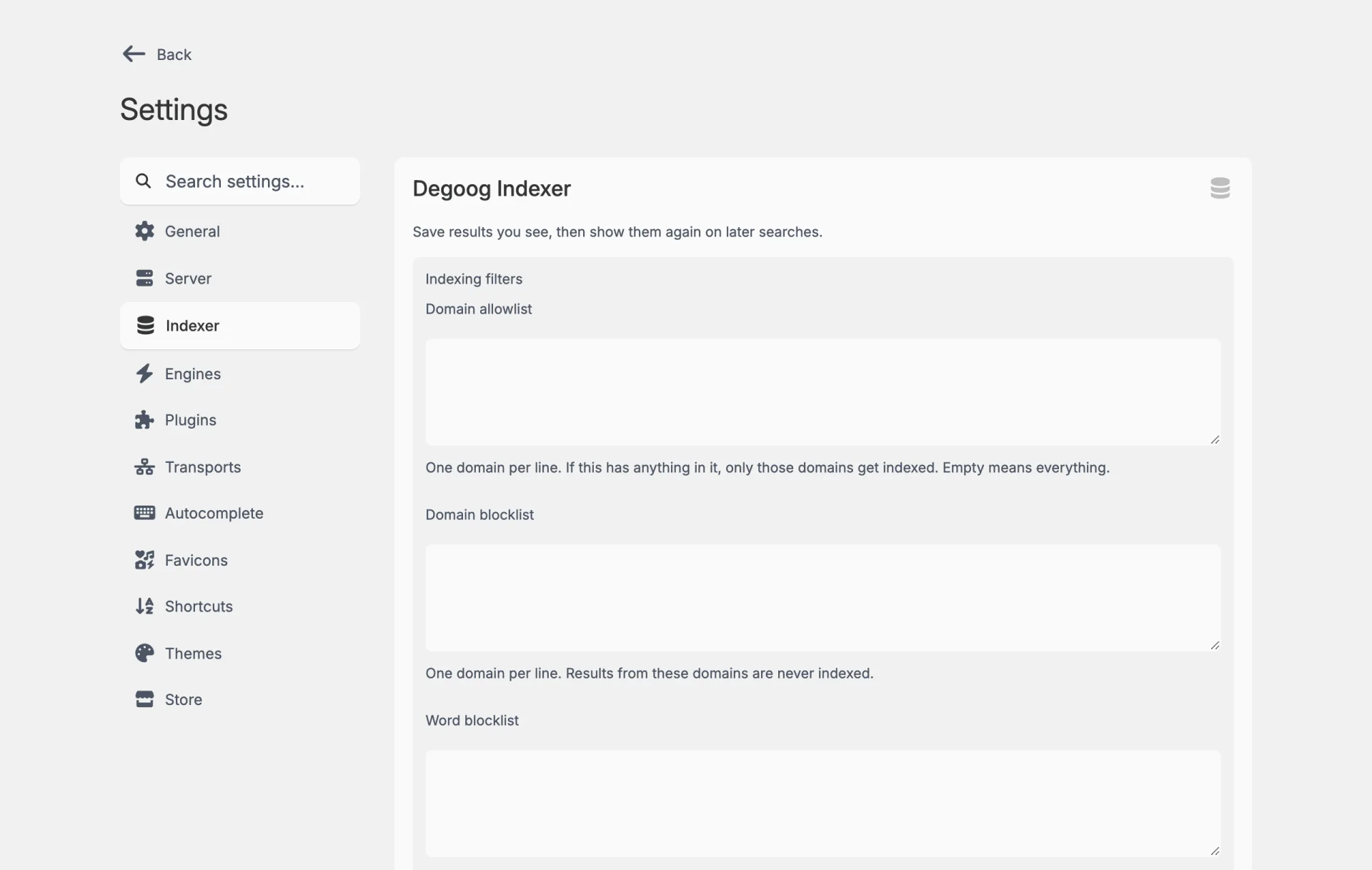
The indexer is off by default. Enable it in Settings, Server, Degoog Indexer, and a dedicated Indexer tab appears in the settings navigation. Everything below lives in that tab.
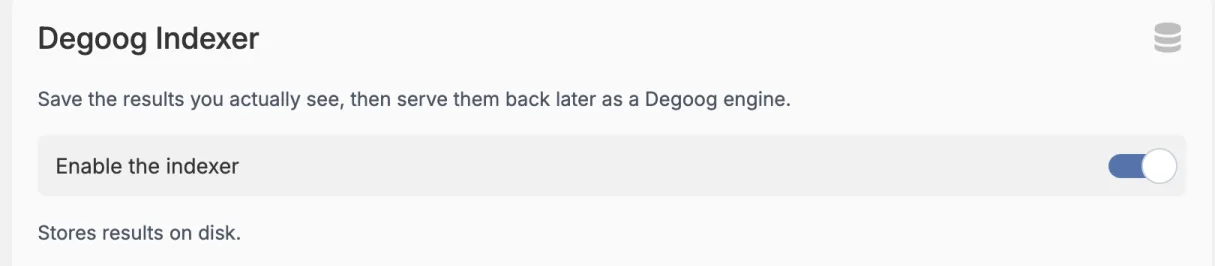
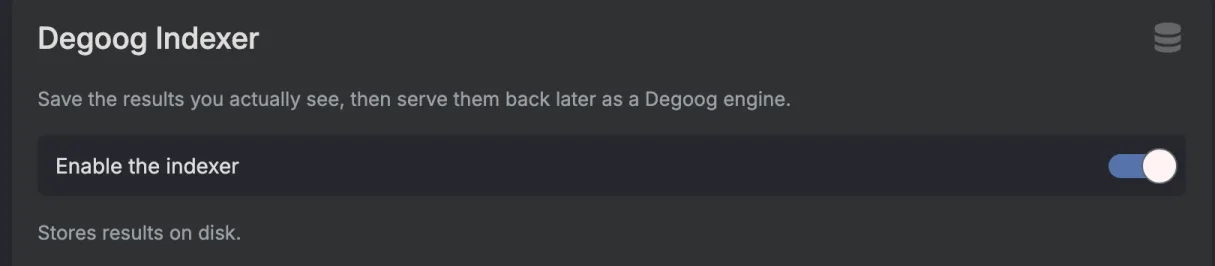
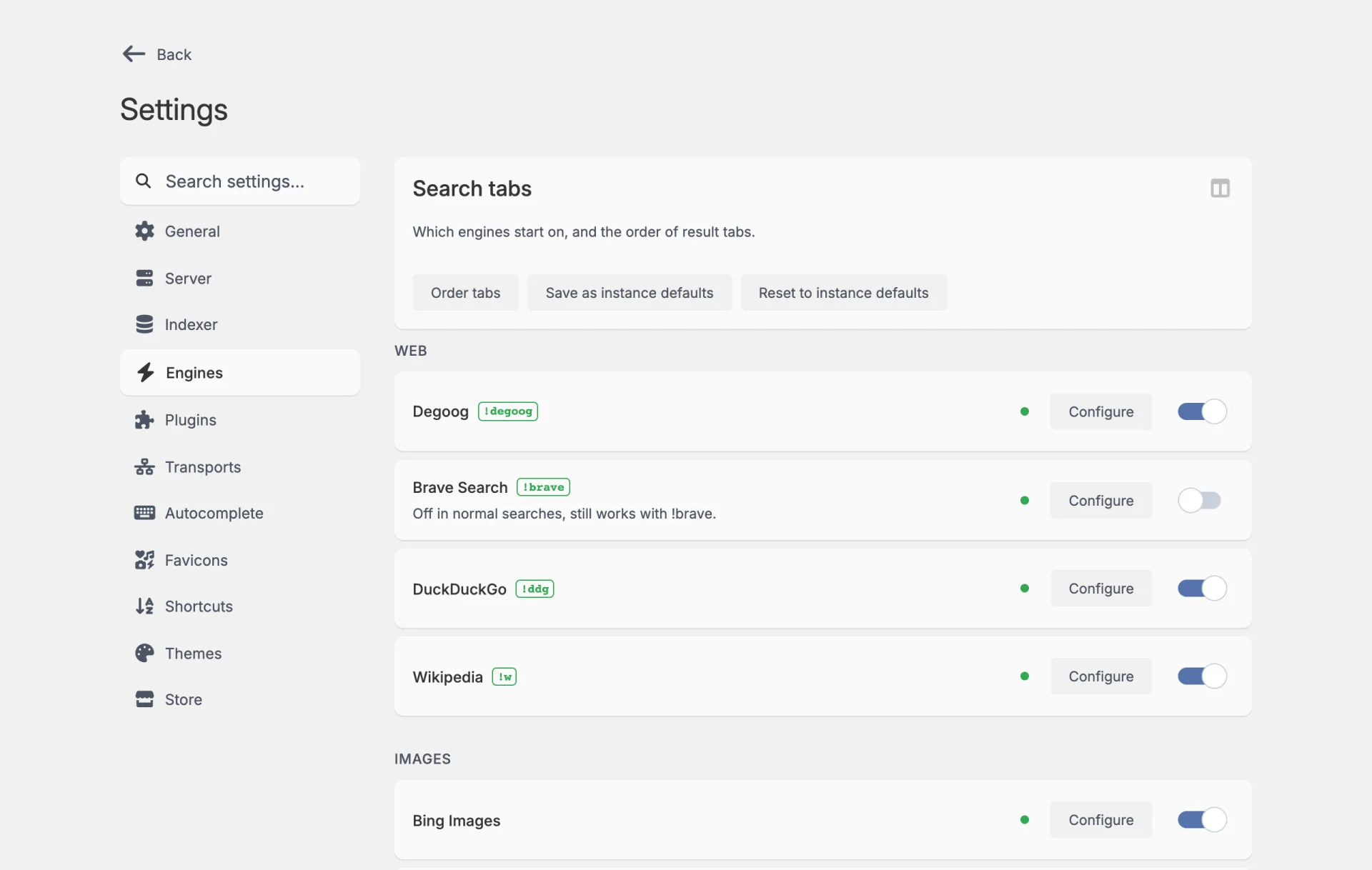
The new tab sits between Server and Engines, and an engine called
Degoog (bang !degoog) shows up in the Engines
tab, already switched on. That engine is your index, so switch it off there if
you want to keep saving results without seeing them in searches.
Deciding what gets remembered
Three lists control what is eligible for indexing, and they are worth setting up before you accumulate anything:
| List | Behaviour |
|---|---|
| Domain allowlist | One domain per line. When it is not empty, only those domains are indexed. Leave it blank to allow everything. |
| Domain blocklist | One domain per line. These are never indexed. |
| Word blocklist | One word per line. If it appears in a result's title, snippet, or URL, that result is never indexed. |
The word blocklist is the one people underuse. It is a straightforward way to keep whole categories of results out of your index without maintaining an endless domain list.
Storage and limits
Every limit here treats 0 as "no limit".
| Setting | What it controls |
|---|---|
| Results saved per search | Only the top results from each search are saved. Defaults to 30. |
| Max unique pages | Ceiling on distinct pages kept. |
| Max saved results | Ceiling on saved result rows. |
| Max result age (days) |
Drops entries not seen in this many days. 0 keeps
everything forever.
|
| Prune when over limits | Deletes the oldest entries when a cap is exceeded. Only does anything if a cap is actually set. |
How results come back
- Fuzzy recall lets close variations of past searches resurface pages you have already seen, rather than requiring the exact query again.
- Results shown per search from your index caps how many results your index can contribute to one search, so it never floods out live engines.
- Ranking memory is how many recent sightings count towards a result's rank. Lower values adapt faster to fresh results; higher values stay steadier.
The Degoog engine also has a bang shortcut, !degoog, if you want
to search only your own index.
Looking at what you have
Index stats shows saved results, unique pages, searches remembered, database size, and a breakdown by engine type.
Manage index opens a searchable, paginated table of everything stored: the query it came from, its type, the result, and its score. You can select rows and delete them, individually or in bulk. Useful for pruning something you would rather not have remembered.
Clear index permanently deletes every row. It makes you type
CLEAR to confirm, which should tell you how reversible it is.
Export and import
The index is yours and it travels.
- Download index (.db) exports one engine type at a time as a SQLite file.
-
Import index file accepts a
.db(SQLite) or a.sqldump, into whichever engine type you choose. Large files take a while, and the dialog reports progress and then how many URLs and links were imported.
This is what makes moving instances painless, and it means an index built up over months is not hostage to one machine.
Where it is stored
By default the index is SQLite under data/indexer/, with one
index-<type>.db file per engine type. The directory and the config
file can be moved with DEGOOG_INDEXER_DIR and
DEGOOG_INDEXER_CONFIG_FILE.
For a busy instance with a large index, set DEGOOG_POSTGRES to a
Postgres connection URL and Degoog uses that instead. Postgres handles
concurrent writes and full-text search better than SQLite once the index gets
big. The postgres.yml and full.yml compose examples
are set up for exactly this.
If your setup only hands you separate credentials, such as a Kubernetes
operator-managed secret (CNPG, bjw-s app-template), set
DEGOOG_POSTGRES_HOST instead, along with
DEGOOG_POSTGRES_USER, DEGOOG_POSTGRES_PASSWORD,
DEGOOG_POSTGRES_DATABASE, and DEGOOG_POSTGRES_PORT
as needed. DEGOOG_POSTGRES still wins if both are set. Pointing
DEGOOG_POSTGRES_HOST at a directory such as
/var/run/postgresql connects over a unix socket with peer auth
instead of TCP. See the
environment variables page
for the full list.
The favicon store
While the indexer is on, Degoog also saves the icons your favicon providers return. After a restart or once the cache expires, a site your instance has seen before gets its icon from there, and the providers aren't asked.
The store is on by default. Switch it off with the Degoog
card at the top of Settings,
Favicons, which only shows while the indexer is on. The server setting
is degoogFaviconStoreEnabled. Turning the indexer off stops
the store too.
Stored icons expire after 30 days. Change that with Favicon max
age (days) under Favicon store in the Indexer
tab, or degoogFaviconStoreMaxAgeDays. A domain where no
provider found an icon gets another try after one day.
On SQLite the store is favicon.db in the indexer directory,
data/indexer/ unless DEGOOG_INDEXER_DIR says
otherwise. On Postgres it is a degoog_favicon schema in the
same database, using the indexer's connection, so there is nothing extra to
set up.
Everything the indexer stores is a record of what you searched for and what you were shown. On a shared or public instance, think about that before enabling it, and use the domain and word blocklists rather than assuming you will tidy up later.