Degoog Bangs and commands
Short prefixes that send a query somewhere specific, or run something useful instead of searching.
The syntax
A bang is ! followed by a trigger word. Degoog accepts it at
either end of your query, so both of these are the same thing:
!weather london
weather london !weather
The leading form takes everything after the trigger as the argument. The
trailing form takes everything before it. Triggers are case-insensitive, so
!IP and !ip both work.
There's also a type prefix, which isn't a bang but lives next to them. Put a
search type and a colon in front of your query, like
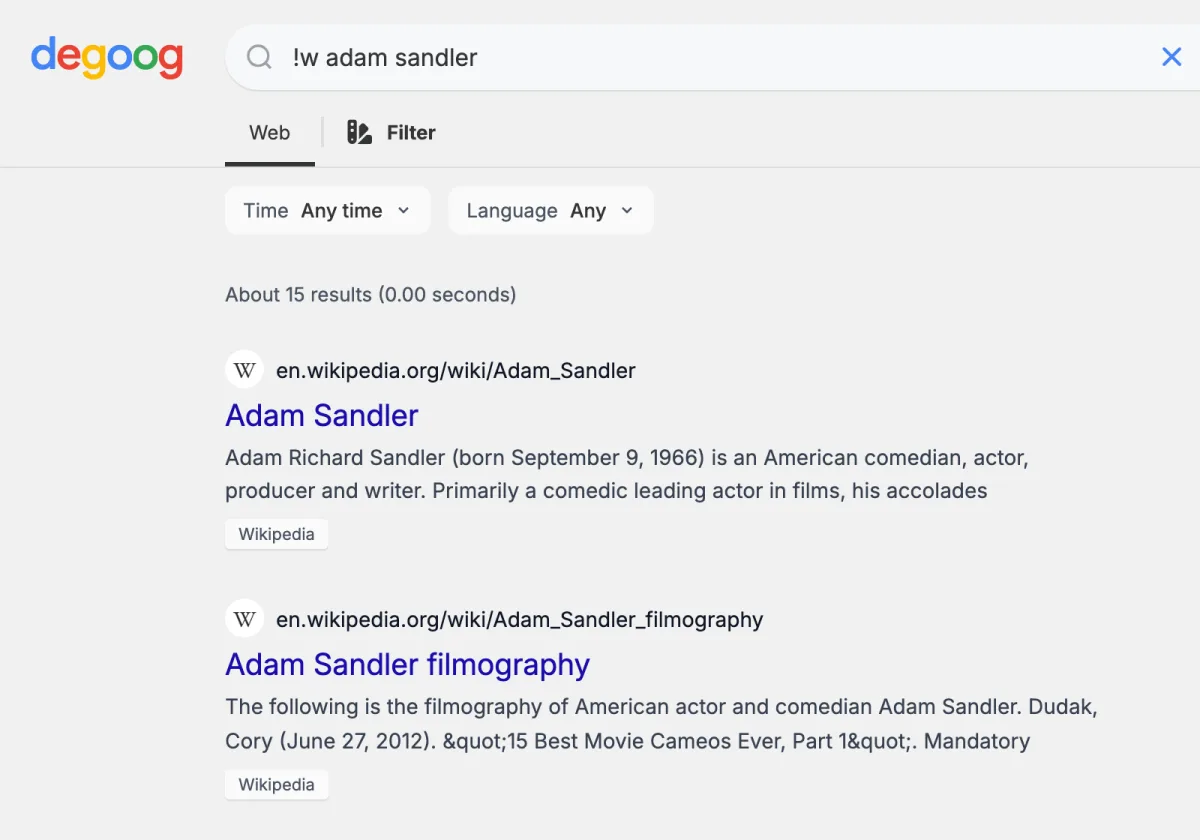
images:adam sandler, and Degoog opens that tab straight away.
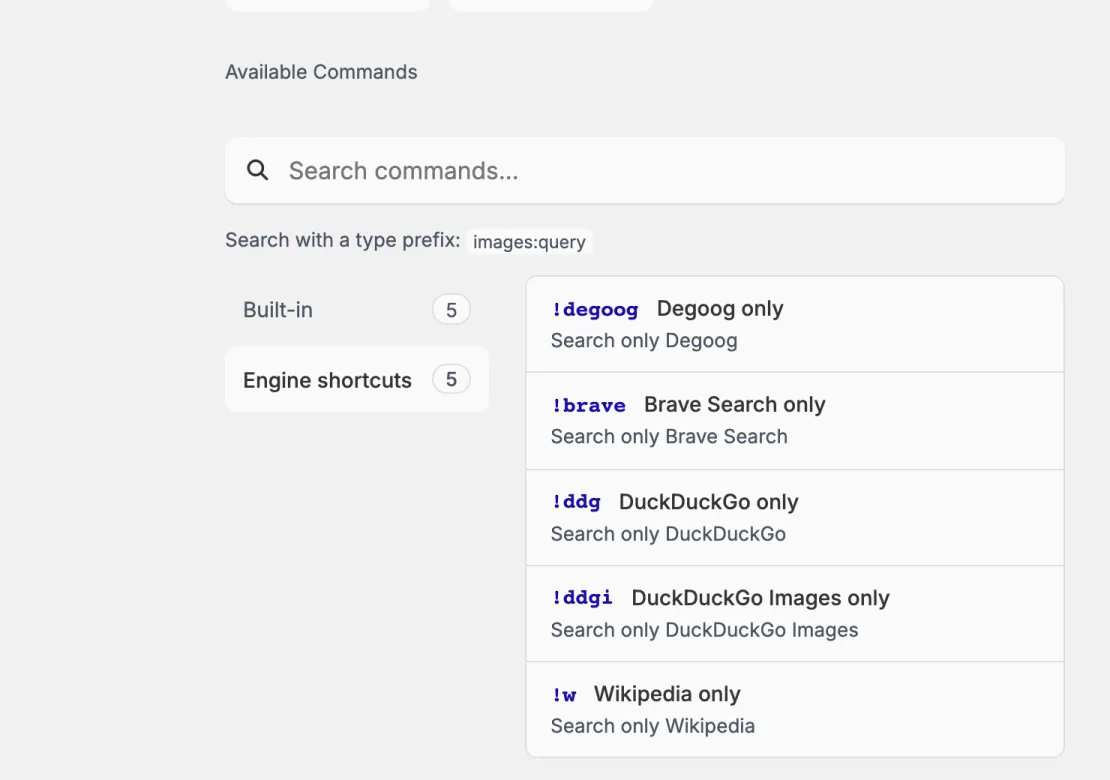
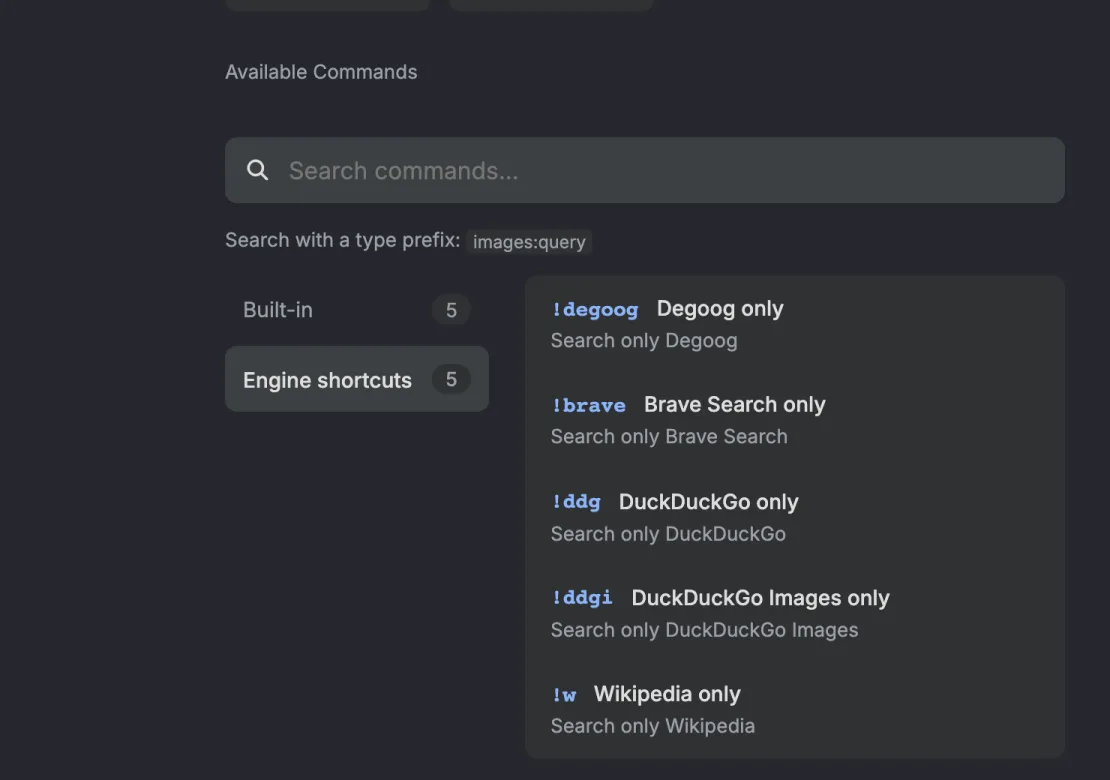
Not sure what you have? Type !help. It lists every command your
instance can currently run, grouped into Built-in,
Plugins, and Engine shortcuts, with a search
box on top. Commands that are disabled or still missing required configuration
are left out, so what you see is what will actually work.
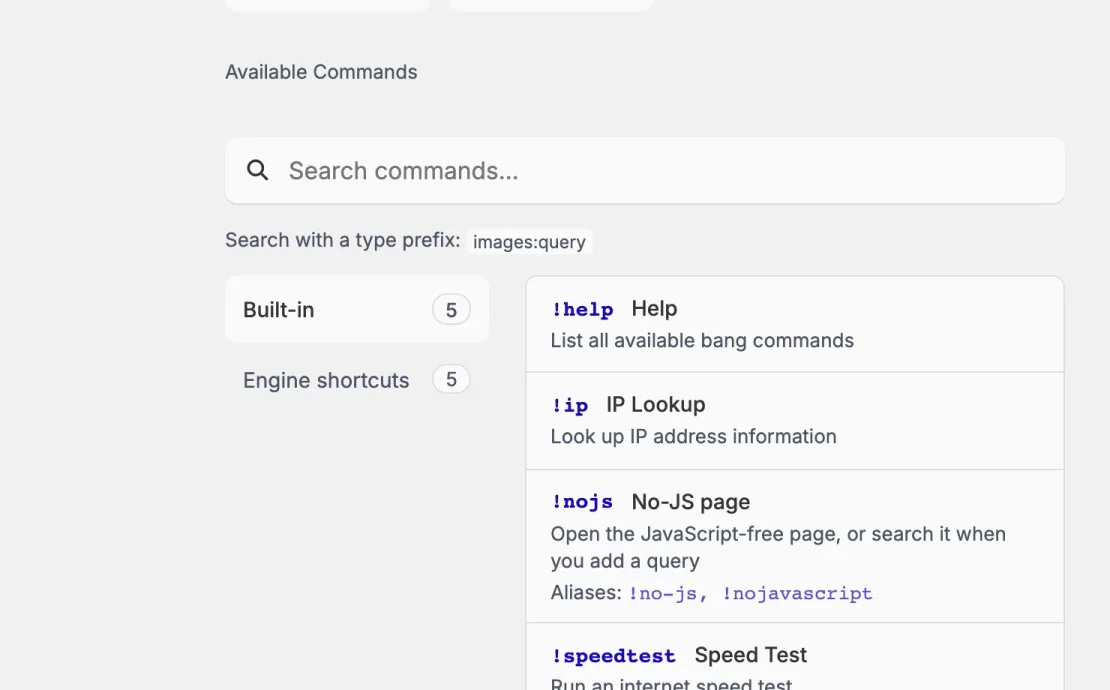
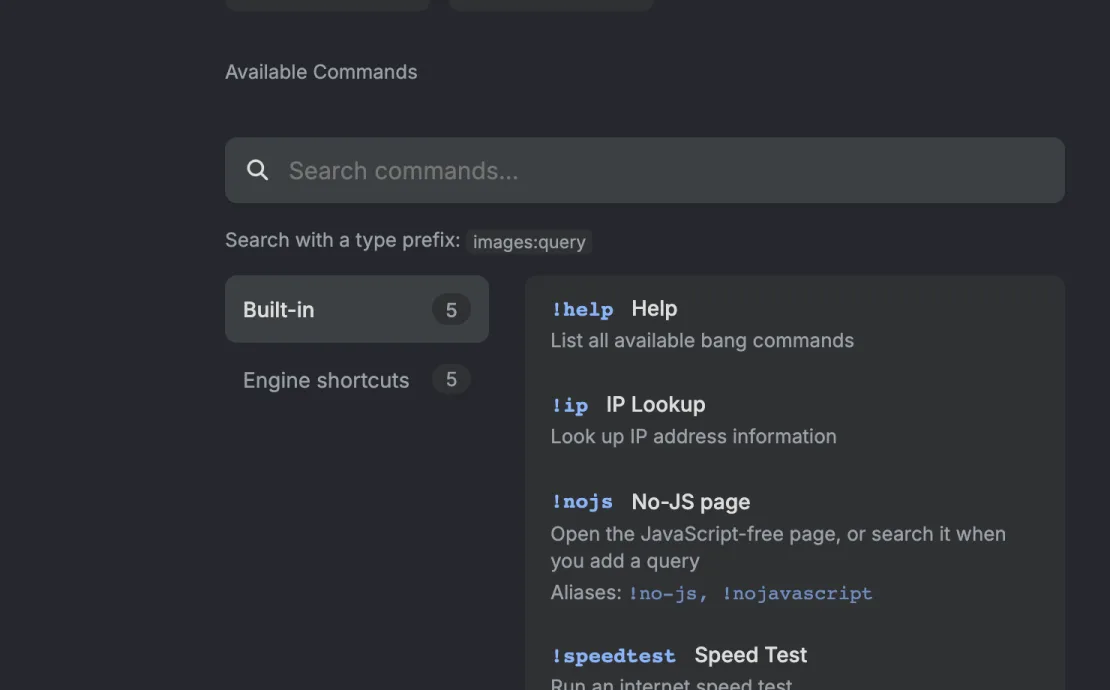
The four built-in commands
| Command | What it does |
|---|---|
!help |
Lists every available command, searchable and grouped by category. |
!ip |
Looks up an IP address: city, region, country, ISP, organisation, and
coordinates. Give it an address (!ip 8.8.8.8) or leave it
blank and it detects your own public address from the browser first.
Lookups go through ip-api.com.
|
!speedtest |
Runs a download, upload, and latency test from your browser and shows the numbers inline. |
!uuid |
Generates random v4 UUIDs with a copy button on each. Ten by default; pass a number for more, up to 100. |
Turn on the no-JS page and you get a fifth one,
!nojs (also !no-js and !nojavascript).
On its own it opens the JavaScript-free page, and with a query it runs the
search there.
There are also two built-in panels that are not commands and appear on their
own: At a glance pulls a readable excerpt from the top result
and shows it above your results, and Wikipedia puts a summary
card in the sidebar when your query matches an article. Both can be turned off
or configured in Settings, Plugins. Wikipedia can be pointed at any
*.wikipedia.org domain, so fr.wikipedia.org works if
you would rather read French.
Engine shortcuts
An engine can claim its own bang. When it does, that bang runs your search
against only that engine. Google's is !g, so:
!g why is my dns broken
searches Google alone, skipping everything else you have enabled. Which
shortcuts exist depends entirely on which engines you installed.
!help lists them all under "Engine shortcuts".
The green tag next to an engine's name in Settings, Engines is its bang. An engine you switch off still answers its bang, so you can keep a slow or noisy engine out of normal searches and only call it when you want it.
Natural language mode
Some commands recognise plain phrases as well as bangs. !ip knows
"what's my ip" and "my ip". !speedtest knows "speed test" and
"test my internet speed". Store plugins add their own: "what's the weather",
"what time is it in", "qr code for", and so on.
This is off by default. Each command that supports it gets a
Natural language toggle in
Settings, Plugins, Configure. Turn it on and typing the phrase
without a ! runs the command and shows your normal search results
underneath it, so you do not lose the search by asking a question.
Aliases
Aliases are extra names for a command you already have. Many store plugins
ship with their own (!jf for !jellyfin,
!pw for !password, !def for
!define), and you can add as many of your own as you like.
Create data/aliases.json, or point
DEGOOG_ALIASES_FILE somewhere else, and map new names to existing
triggers:
{
  "jelly": "jellyfin",
  "search": "meili",
  "id": "uuid"
}
The key is what you type after !; the value is the command it
runs. Restart the server to pick up changes. Aliases cannot shadow an existing
trigger, so you will not accidentally break !help. Your aliases
show up in !help next to the command they point at.
Commands from the Store
The official extensions repository adds a good number of these. A sample of what is there:
| Command | What it does |
|---|---|
!weather |
Forecasts from Open-Meteo. Also !forecast,
!wttr.
|
!define |
Word definitions from the Free Dictionary API. Also !def,
!d, !meaning.
|
!time |
Current time in a timezone or city. Also !tz,
!clock.
|
!qr |
Generates a QR code for a URL. Also !qrcode. |
!password |
Random password generator. Also !pw, !pass,
!genpass.
|
!colors |
Five-colour palette generator. Space shuffles, click locks a colour.
Also !palette, !colours.
|
!history |
Paginated, deletable search history stored on your server. |
!jellyfin, !romm, !meili |
Search your own Jellyfin media library, RomM game library, or Meilisearch indexes. |
!custom-bangs |
Define your own redirect bangs that send a query to any site through a URL template. |
!! |
The DuckDuckGo bang redirect plugin. !! followed by any
DuckDuckGo bang runs it. Note that this routes through DuckDuckGo rather
than staying on your instance.
|
!4play |
Live status of the 4play transport: warmed sessions, containers, and a way to clear them. Pairs with the transports covered in Tips and tricks. |
Browse the full catalogue in Settings, Store, or in the community extensions list.
Commands on the no-JS page
If your instance serves the no-JS page, commands work
there too, but only the ones whose authors said they can. Type a bang that has
not opted in and you get a short notice instead of output, pointing you at the
extension's developer. Of the built-in commands, !help,
!ip and !uuid work there;
!speedtest does not, because timing a download needs code running
in your browser.
Plugins run code on your server. Install them from repositories you actually trust, and read the safety notes before adding a repository you found in a forum post.